> ## Documentation Index
> Fetch the complete documentation index at: https://docs.sharly.ai/llms.txt
> Use this file to discover all available pages before exploring further.
# Citations & References
> See the exact source of every answer, copy a ready-made APA citation for the papers you read, and find each paper's reference list.
## Sources for every answer
Every answer in Sharly comes with its sources. Click **Citations** under an answer to open the list of excerpts it drew on.
* Each excerpt is the exact text from your document, with its page number.
* Click **Open page** to jump to that page in the document viewer.
* Mathematical formulas in excerpts are displayed as formatted math.
When you and a colleague upload the same paper, citations always open your own copy, at the cited page.
## Cite the paper you're reading
When a source is a published journal article, its card in the citations list shows a **Cite** button. Click it to:
* **Copy APA reference** — the full reference in APA 7th edition.
* **Copy in-text citation** — for example (Smith & Jones, 2024).
* Open the paper's DOI record.
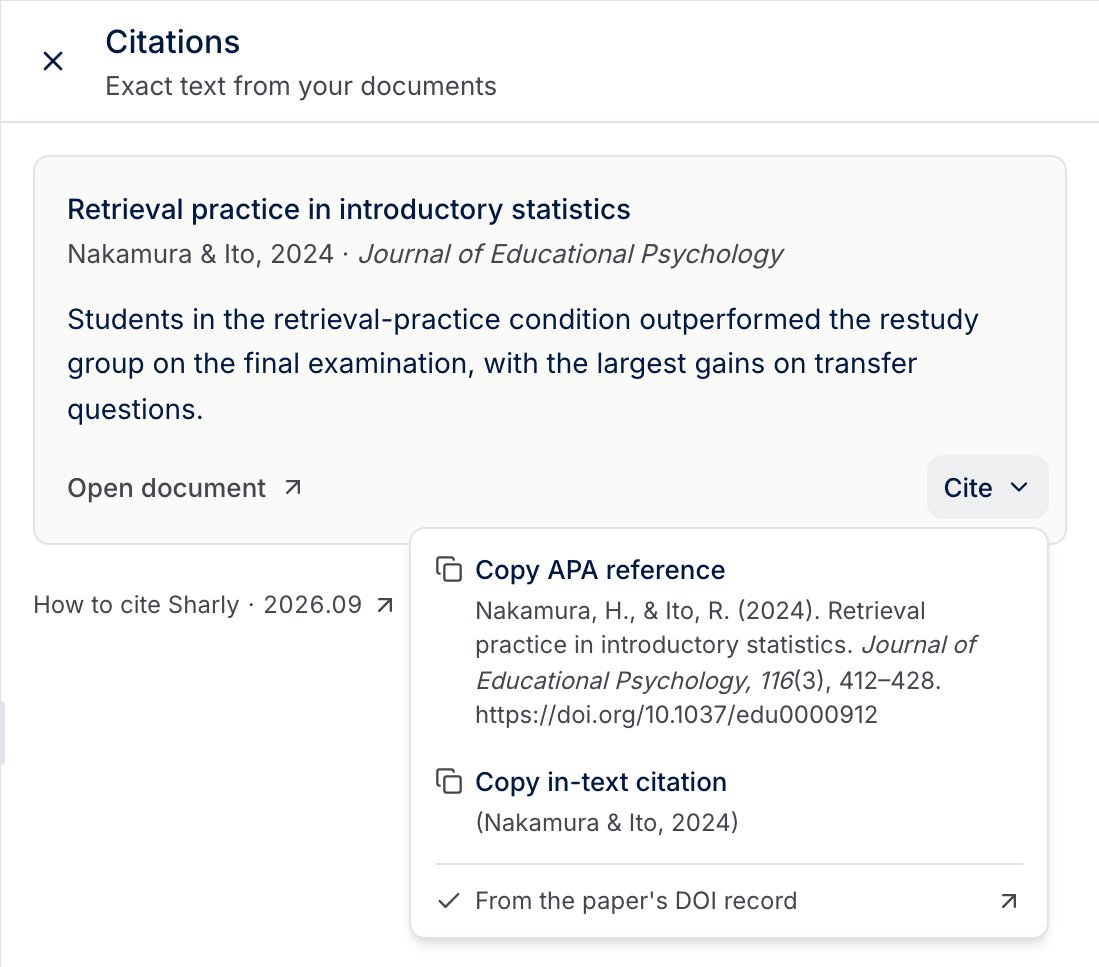
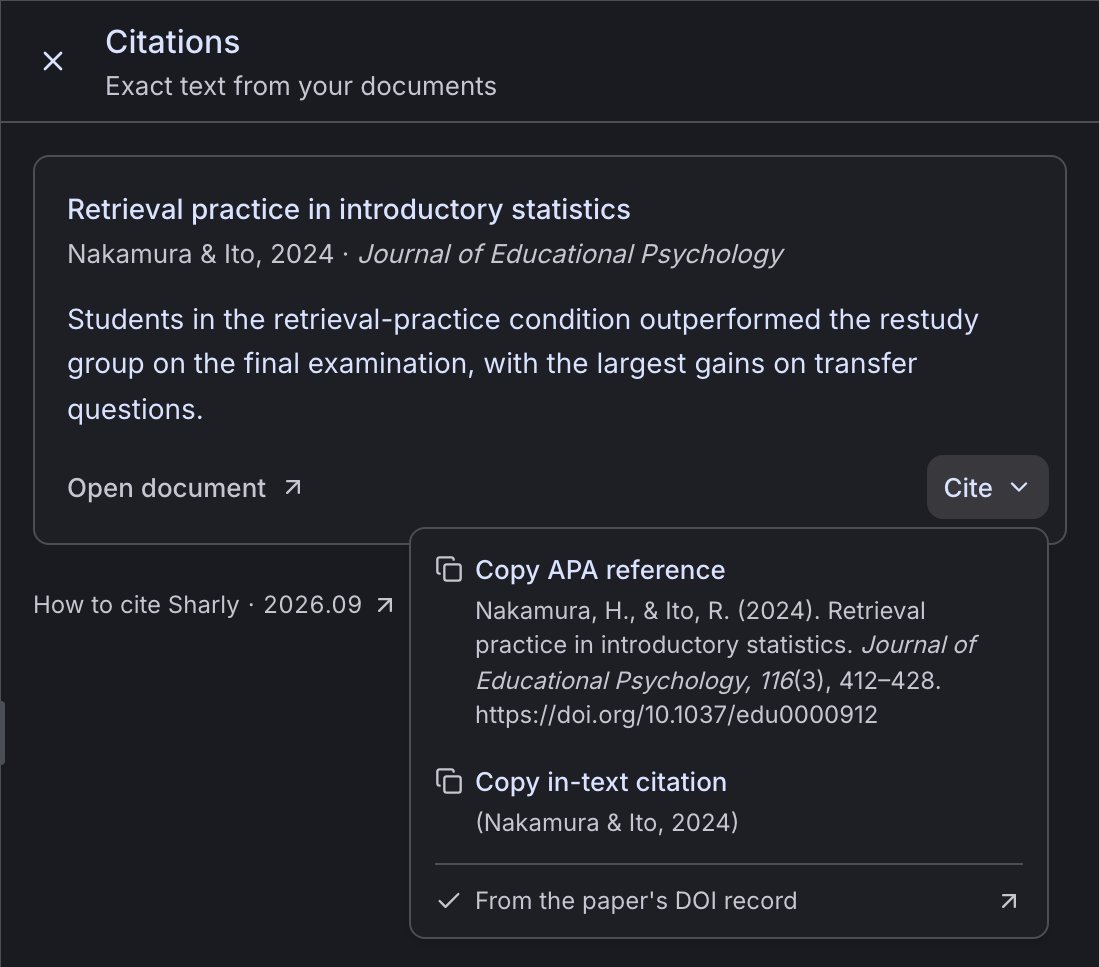 The Cite button is generated when Sharly can verify the journal article against its DOI record: the paper prints its DOI on the first page, and its title and authors match the record. It is not generated for books, chapters, preprints, reviews, commentaries, corrections, retracted papers, or scanned documents without a DOI.
## The paper's reference list
Open the **Insights** tab next to the document viewer and expand **Citations** to see the references listed in the paper's own bibliography, formatted in APA and MLA.
If the document has no bibliography, Sharly shows **No reference list found.**
## Cite Sharly
At the bottom of every citations list, **How to cite Sharly** opens the citation page, with the version of Sharly you are using.
To cite Sharly in your methods section and disclose its use, see [Citing Sharly](/academia/citing-sharly).
This documentation is built and hosted on [Mintlify](https://mintlify.com), a developer documentation platform.
The Cite button is generated when Sharly can verify the journal article against its DOI record: the paper prints its DOI on the first page, and its title and authors match the record. It is not generated for books, chapters, preprints, reviews, commentaries, corrections, retracted papers, or scanned documents without a DOI.
## The paper's reference list
Open the **Insights** tab next to the document viewer and expand **Citations** to see the references listed in the paper's own bibliography, formatted in APA and MLA.
If the document has no bibliography, Sharly shows **No reference list found.**
## Cite Sharly
At the bottom of every citations list, **How to cite Sharly** opens the citation page, with the version of Sharly you are using.
To cite Sharly in your methods section and disclose its use, see [Citing Sharly](/academia/citing-sharly).
This documentation is built and hosted on [Mintlify](https://mintlify.com), a developer documentation platform.